Stop scrolling for hours looking for an idea
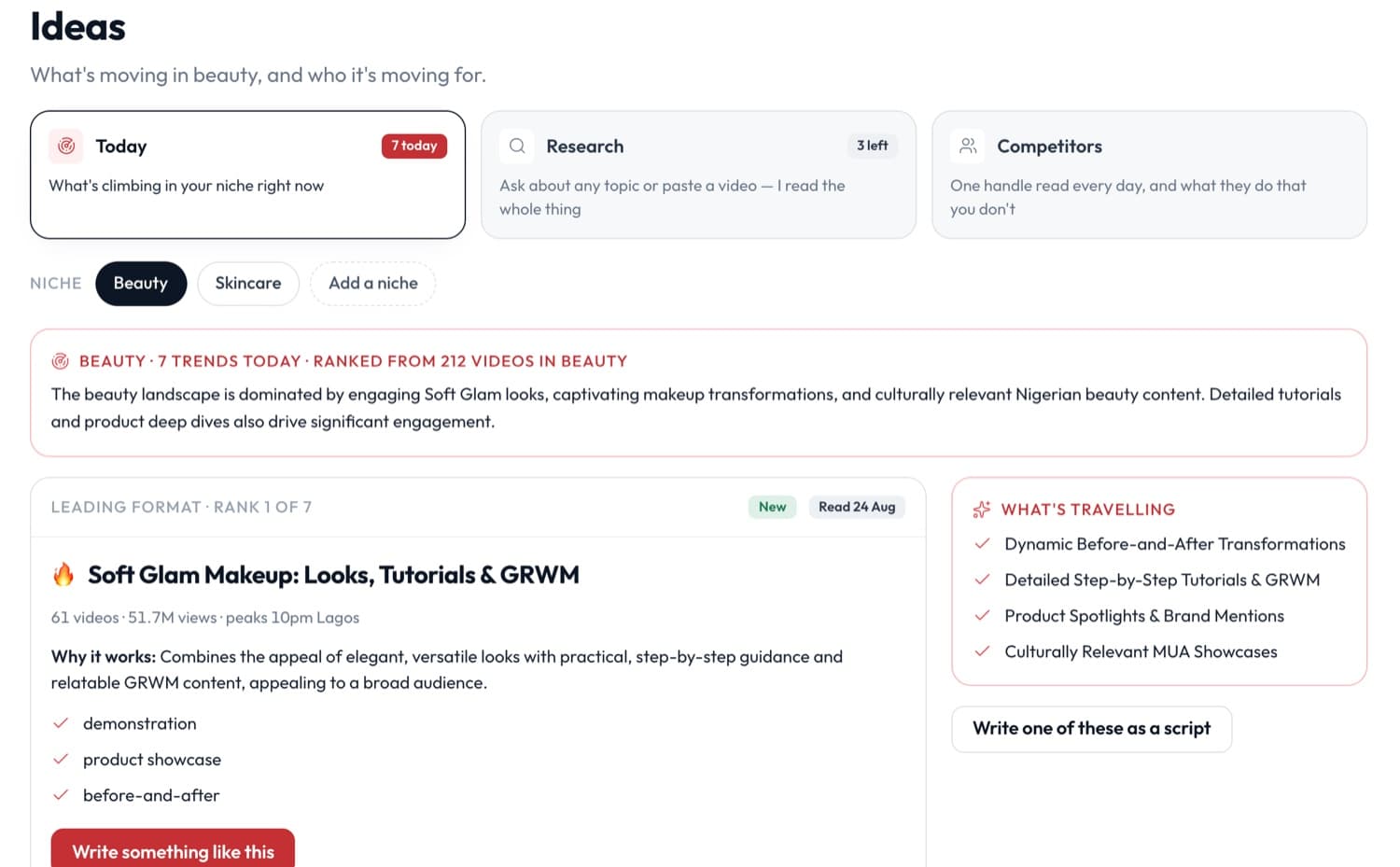
Radar reads what's climbing in your niche and tells you the format, why it works, and the posts doing it best. Busy niches refresh every day.
Pick your niche when you sign up. No account to connect first.
The short version
Point it at a topic or a video, and it reads first
A leaderboard tells you what's popular. Research tells you why. Radar pulls the videos, compares each against its own account's usual numbers, and brings back the ones that genuinely beat it.
“Retinol for beginners”
Paste a link to something that worked.
Three steps, in this order
- 1Tell it your nicheOne tap during setup, and you can change it any time.
- 2It reads what's movingThe formats climbing in your niche, the posts behind them, and the sounds and hashtags riding along.
- 3You pick oneAny find opens in Studio with the idea already filled in, ready to write.
What it won't do
Every one of these is a thing you would otherwise find out later, and finding out later is worse.
Questions people ask
How is this different from the Explore page?
Explore shows you what's popular with everyone. Radar only reads your niche, and ranks by momentum rather than size, so a format that's working for small accounts doesn't get buried under a celebrity's.
What do I get on each plan?
Free shows three trend names a day. Creator opens the full feed. Pro adds research and one tracked competitor; Pro+ raises research to twelve a month, tracks three competitors and adds a monthly audit of your own profile.
Does it work before I've posted anything?
Yes. Radar reads your niche, not your history, so it works on your first day. Insights is the part that needs your own page traffic to say anything.
Know what to post before you open the app
Pick your niche and Radar has something for you today.
Start free